Choose your professional headshot
Choose a primary headshot and a backup from two to six of your photos. See how a square crop reads at avatar size, or compare the whole frame for a work bio.
US$2.99 · one shortlist · no subscriptionBuy the shortlist tool
See the refund policy or preview a contact sheet from the studio.
How it works
- Add two to six photos. They are read in this browser tab and stay on this device.
- Check the framing. For a square avatar, move and zoom the crop and check the 48 px preview. The studio shows what percentage of the original frame you kept. For a work bio, compare the full photos.
- Pick a primary and a backup. Give each a role and add a note about what you want to remember.
- Keep your shortlist. Download your photo PNGs, contact sheet and choices CSV. You can also save your decision with your order to reopen it on another device.
A sample shortlist
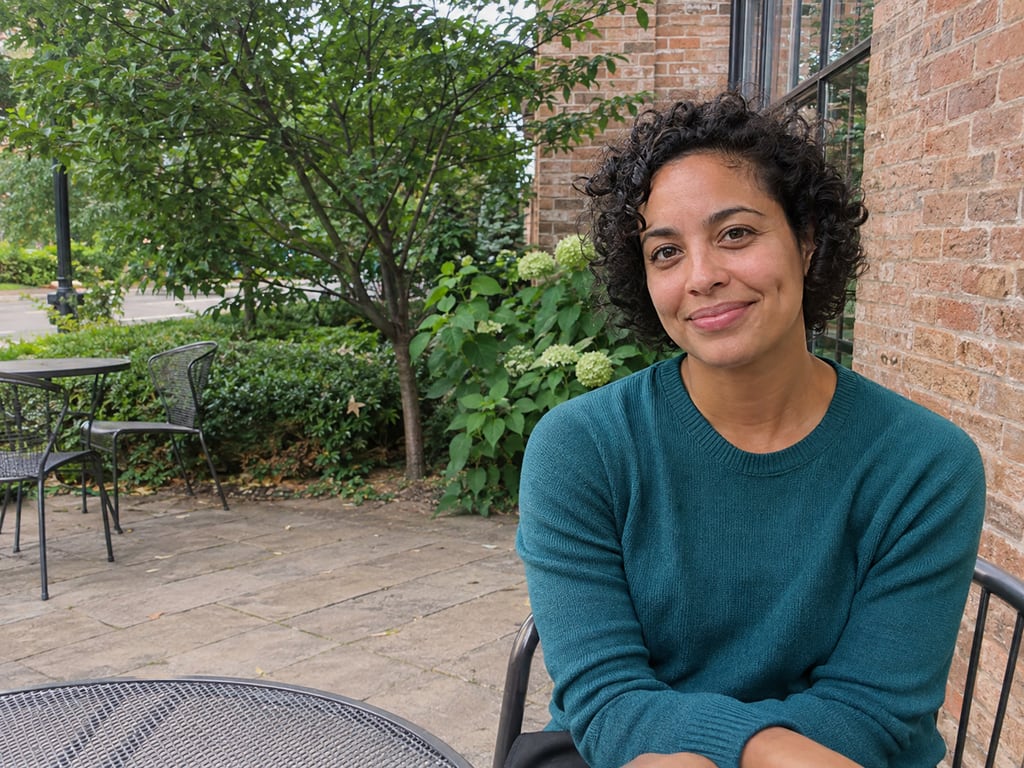
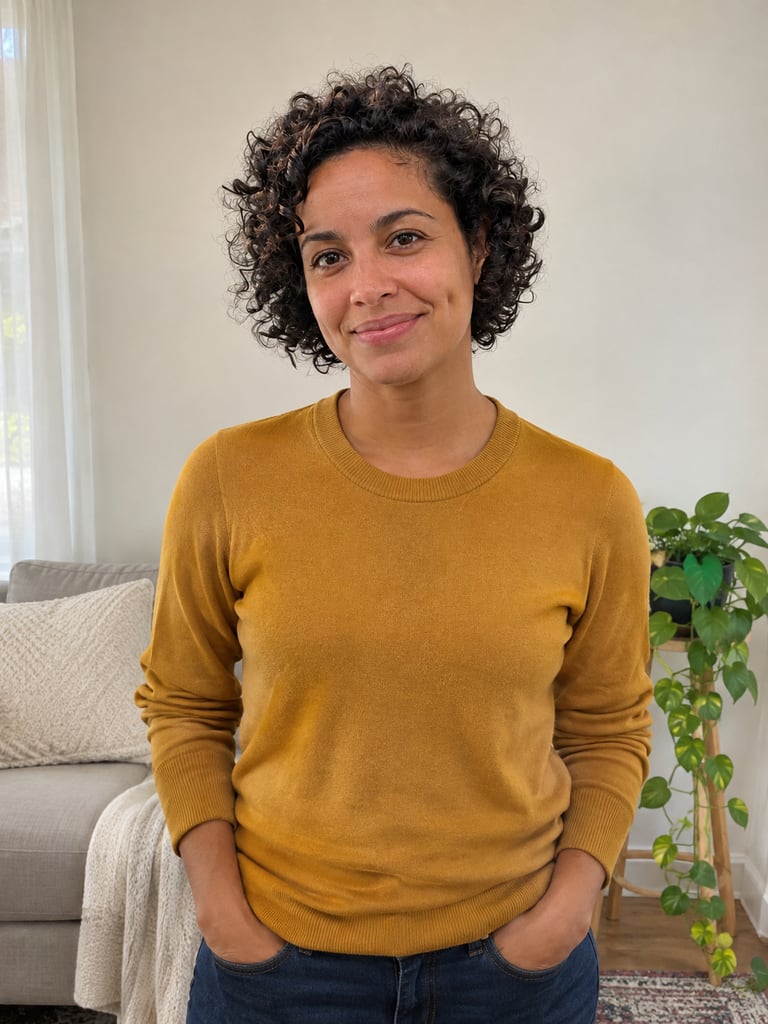
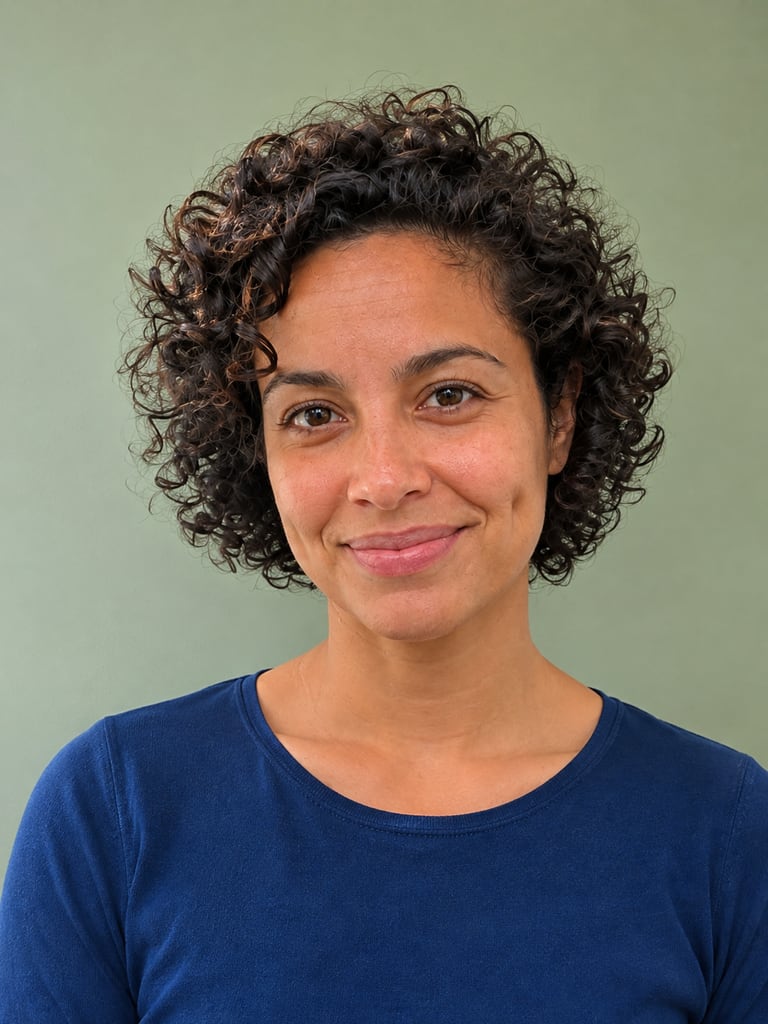
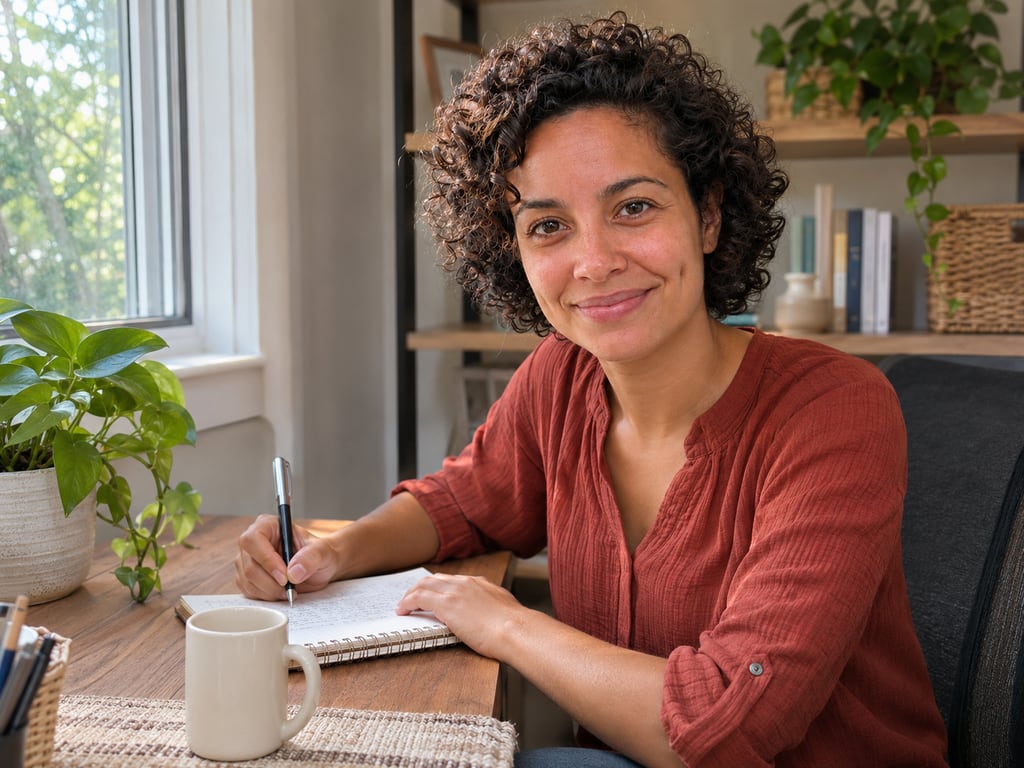
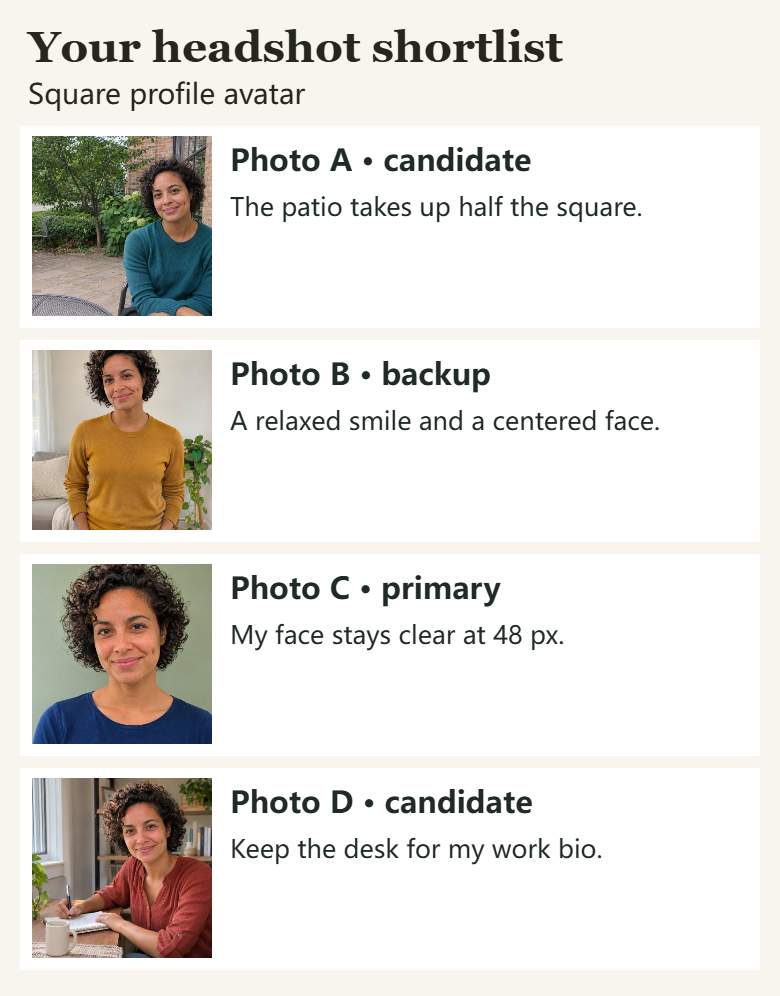
We tried four AI-generated photos of the same fictional adult in the studio. For a square profile avatar, we chose Photo C as primary and Photo B as backup. You can see those picks and our notes on the exported sheet below.
What stays where
- Your browser keeps the working copies. Original files, editable crops and notes stay in this browser while you work. Clearing the studio’s local photos or your browser’s site data removes them.
- You choose what to save with your order. The save button keeps the purpose, photo count, and the letters and notes for your primary and backup. Tick the separate image option to include those picks as small finished JPEGs, up to 480 px. You can reopen the order copy on another device through purchase recovery or delete it from the studio.
When a friend vote fits better
Want another opinion on your finalists? Use the free two-photo vote to send friends a choice between two pictures. You decide which photos to share.
Questions before you buy
What happens to my photos?
The studio keeps the originals, crop settings and notes in this browser. To keep a decision with your order, choose “Save decision to this order”. That saves the purpose, number of photos, and the letters and notes for your primary and backup. A separate checkbox lets you include finished JPEGs of those picks, up to 480 px on the longest side. You can delete the order copy in the studio.
How is this different from the free two-photo vote?
In the shortlist, you make the picks yourself. For a square avatar, the studio shows a 48 px preview and the percentage of the original frame your crop keeps. The free friend vote gives people you invite a link to choose between two photos.
Can I change my primary pick?
Yes. You can change the primary or backup, leave a photo unranked, or mark it “do not use”. If you previously saved the decision to your order, save it again to update that copy.
Can I re-crop after saving?
Yes. Reopen the studio in the same browser while its local photos are still saved. You can move and zoom the square crop, check the 48 px preview and download a new PNG. In full-frame mode, the studio shows the whole photo.
When do I get the shortlist, and how is it saved?
Once payment is confirmed, open the studio from your receipt. You can download crop or full-frame PNGs, a contact sheet with your photos and notes, and a CSV listing your choices. Purchase recovery can reopen a saved order copy on another device.